Dynamic Island for Mac
One notch.Everything you need.
Clipboard history, temp shelf, system stats, reminders, music, workspaces, focus tools, and Pings for close-people nudges. Now on every display you choose, including Apple Silicon and Intel.
Launch price ends Oct 31
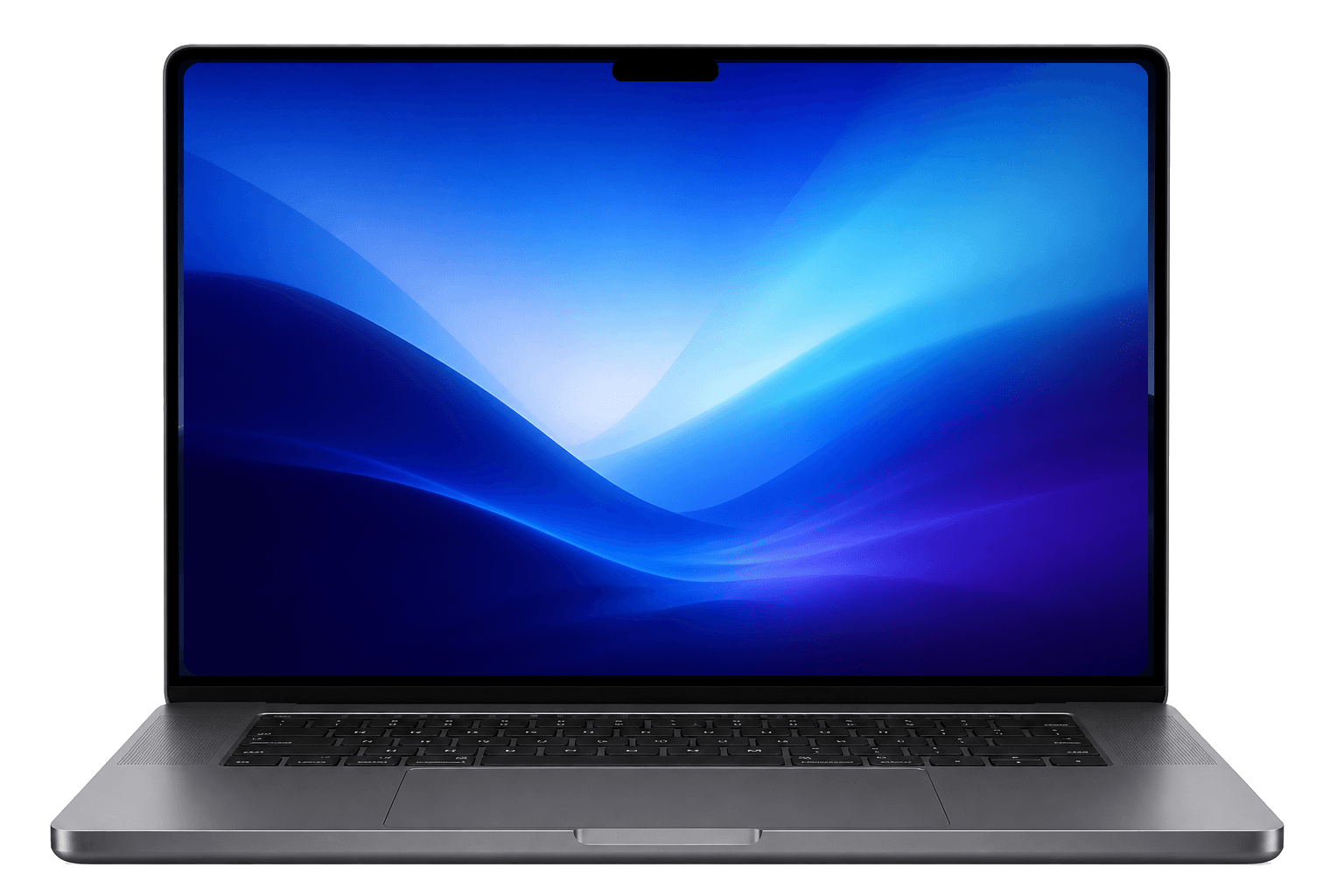
Everything you reach for, in one notch
Most tools stay fully on your Mac. Pings only sync invite-only nudges. Friend photos never leave your device. Works with a physical notch, a floating island, and on every display you choose.
Multi-display Notch
Show the notch on Auto, every screen, or any mix of displays. Pin it open when you need it.
Clipboard Manager
Unlimited history, snippets, custom categories, and copy text from images, all from the notch.
Temp Shelf
Add files, folders, and apps, group them together, and drag and drop anywhere.
Desktop Widgets
Floating music, todos, workspaces, app launcher, and break reminders on your desktop.
AI File Organizer
Messy downloads and screenshots get categorized, renamed, and filed automatically. Nothing is deleted and nothing leaves your Mac.
Expense Tracker
Drop bills in a folder. Spending and subscriptions parse on-device.
Workspace Launcher
Save a window layout and reopen apps, files, and multiple browser tabs in one click.
Pomodoro Timer
Focus sessions in the notch, with puzzle rewards when you finish.
Reminders & Todos
Type “gym at 8 am” naturally and get a notch alert when it’s time.
Spotify, Apple Music & YouTube
Play, skip, lyrics, and disc artwork without leaving your flow. Browser playback included.
System HUD
Volume, brightness, downloads, charging, and focus timer flash live in the collapsed notch.
System Stats & Battery
Disk, memory, and CPU live in the notch, with custom low and high charge alerts.
Pings
Invite-only emoji nudges for close people. Multi-send, quick chips, and a soft live receive, right from the notch.
Watch any tool from the top.
Pick a feature. The same island runs clipboard, shelf, widgets, focus, music, and Pings, with no extra windows.
Clipboard Manager
Unlimited history, snippets, custom categories, and copy text from images, all from the island.
Everything included.
One lifetime price.
Buying clipboard, widgets, expenses, focus tools, and the rest separately can run past $250. Notch Space puts them in one lifetime license, at a 20% off launch price until Oct 31.
| Feature | Comparable app | Their price | Notch Space |
|---|---|---|---|
| Clipboard Manager | Paste | $29.99/yr | Included |
| Desktop Widgets | WidgetWall | $39.99 | Included |
| Expense Tracker | MoneyMoney | $39.99 | Included |
| Pomodoro Timer | Be Focused Pro | $12.99 | Included |
| Workspace Launcher | Workspaces 2 | $19.99 | Included |
| AI File Organizer | Hazel | $42 | Included |
| Temp Shelf | Yoink | $9.99 | Included |
| Natural Language Todos | Things 3 | $49.99 | Included |
| System Stats & Battery | iStat Menus | $11.99 | Included |
| Buying separately | ~$257 | - | |
| Notch Space lifetimeOne-time · up to 2 devices · 7-day money-back guarantee | - | $19.99$15.99 LAUNCH PRICE · ENDS OCT 31USD once | |
Competitor prices are public list prices and may vary by region or plan. Paste shown at annual pricing; others are typical one-time licenses.
Pay once, own it forever. Includes all features and future updates.
7-day money-back guarantee, no questions asked.
On the Roadmap
Features currently in development. Upvote what you want to see next.
Have an idea for a feature? We'd love to hear it.
Suggest a FeatureFrequently Asked Questions
Everything you need to know before getting started: privacy, compatibility, and how licensing works.
Yes. This app is officially approved by Apple, and all data processing happens locally on your device. We do not collect or store your personal data.
No. Notch Space is lightweight and optimized to have minimal impact on battery life.
Yes! You pay once and own it forever. This includes all future updates and new features.
Every purchase has a 7-day money-back guarantee. Email hello@notchspace.com within 7 days of buying and we'll refund you in full, no questions asked.
Once you purchase, you will receive a license key via email. Simply enter it into the app's settings to unlock all premium features forever.
Notch Space works on Macs without a physical notch. It shows a floating island at the top of the screen. You can place it on Auto, every display, or any mix of screens.
Yes. Notch Space is a universal build for Apple Silicon and Intel. Apple Intelligence features still require Apple Silicon.
Yes. You can show the notch on Auto, every screen, or any mix of displays. Drag, Settings, and expand stay on the island you are using.
Clipboard manager (custom categories, text from images), desktop widgets, AI file organizer, expense tracker, temp shelf, workspace launcher, pomodoro timer, natural-language todos, Spotify, Apple Music, and YouTube controls with lyrics, multi-display notch, system HUD (volume, brightness, downloads, charging), system stats, battery alerts, and Pings: invite-only emoji nudges for close people. All in one lifetime license.
Pings are quiet emoji nudges for close people, sent from the Mac notch. Share an invite code, add friends, multi-send one message, and get a soft live receive when someone nudges you. Photos stay on your Mac. Not another chat app.
Get it for free. Open to everyone.
Create a short video showing how you use Notch Space, and we'll give you a lifetime license. No big following needed.